A simple step-by-step guide to verifying your WHOIS contact details and restoring website access. Time required: ~2 minutes.
Why Did Your Website Go Offline?
- ICANN Requirement: Mandatory contact verification for all generic top-level domains.
- 15-Day Window: Unverified domain contact records trigger automatic suspension once the 15-day period ends.
- Release After Verification: If the contact is not verified within the 15-day window, the domain is suspended (clientHold). Verifying afterwards will not release it instantly, so please allow some time.
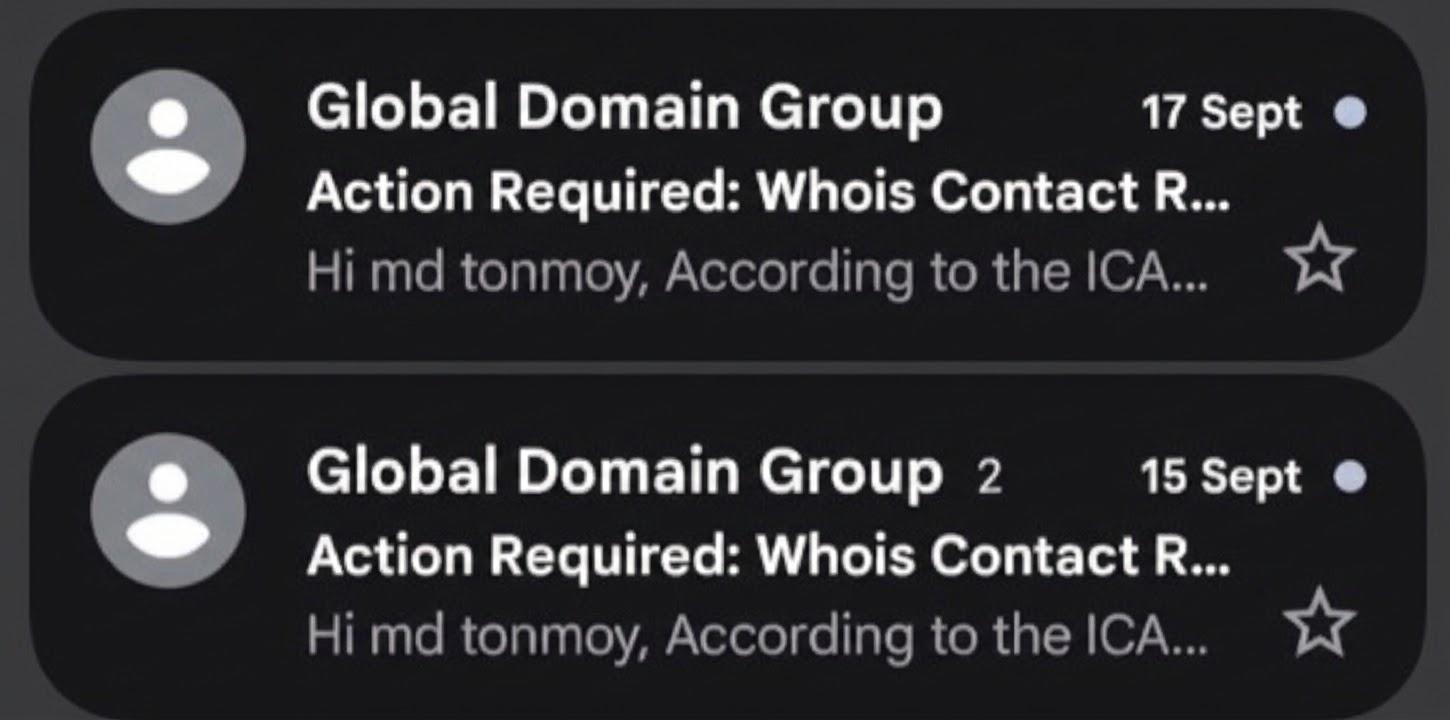
Step 1: Locate the Verification Email
- Sender Name: Search for Global Domain Group in your email inbox.
- Subject Line: Look for "Action Required: Whois Contact Record".
- Spam Folder: Check Spam or Junk folders if missing from your primary inbox.
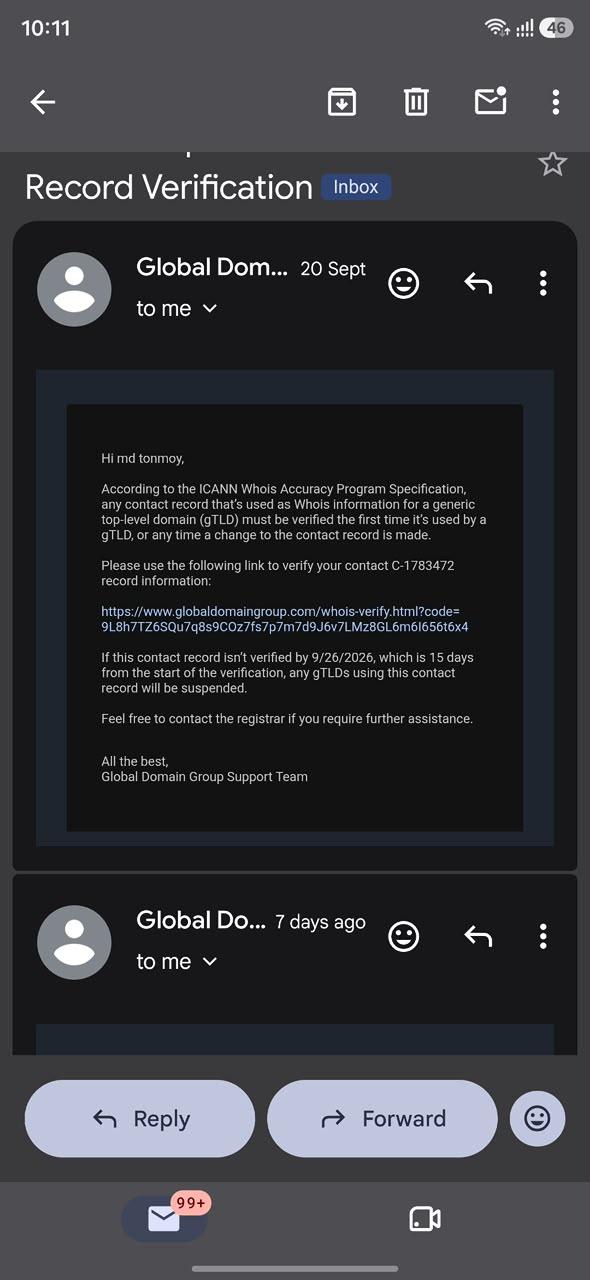
Step 2: Open the Email & Click the Verification Link
- Read Notice: Review the ICANN Whois Accuracy Program specification.
- Click URL: Select the blue globaldomaingroup.com/whois-verify link.
- Deadline Check: Verify before the stated suspension date to avoid downtime.
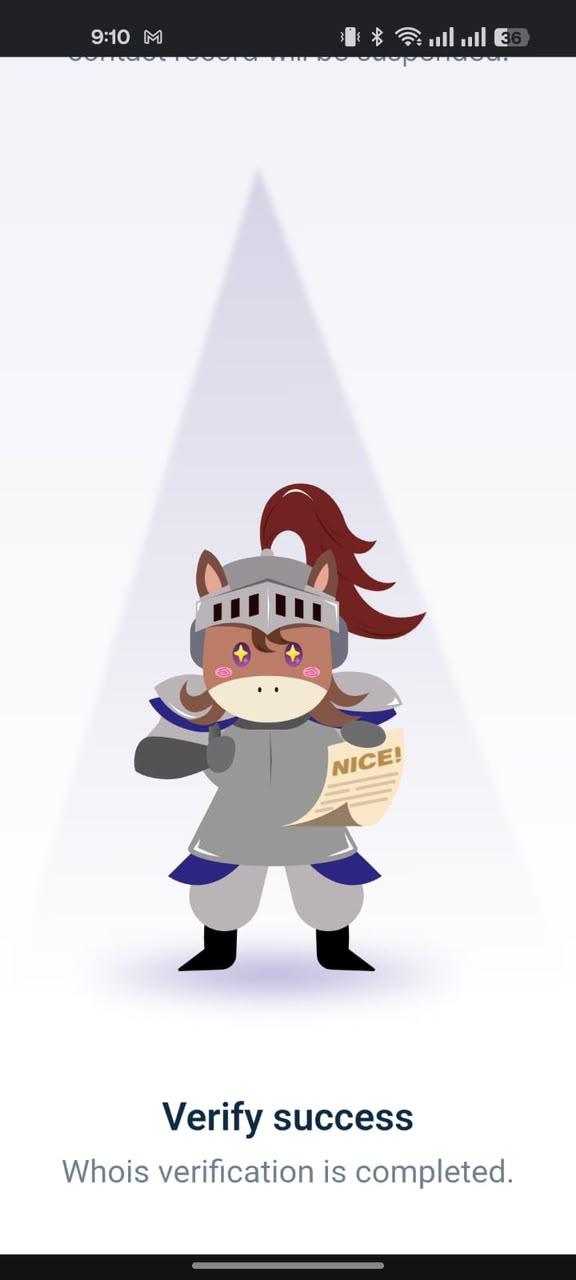
Step 3: Confirm Verification Success
- Verify Success: Look for the "Whois verification is completed" status screen.
- DNS Restoration: Domain records will automatically reactivate globally.
- Propagation Time: Websites reload within 60 minutes to 4hrs of completion.
Troubleshooting Checklist
- Can't find the email? Log into your domain registrar account and request a resend of the verification link.
- Site still not loading? Clear your browser cache or run a DNS flush command to update cached records.
- Keep your email current: Ensure your WHOIS registrant contact email remains active to avoid future holds.
Note: After verification is completed, please wait a few hours for the domain to be released. If your website is still not loading after that, contact our support team.